1. Lower Your Screen Brightness
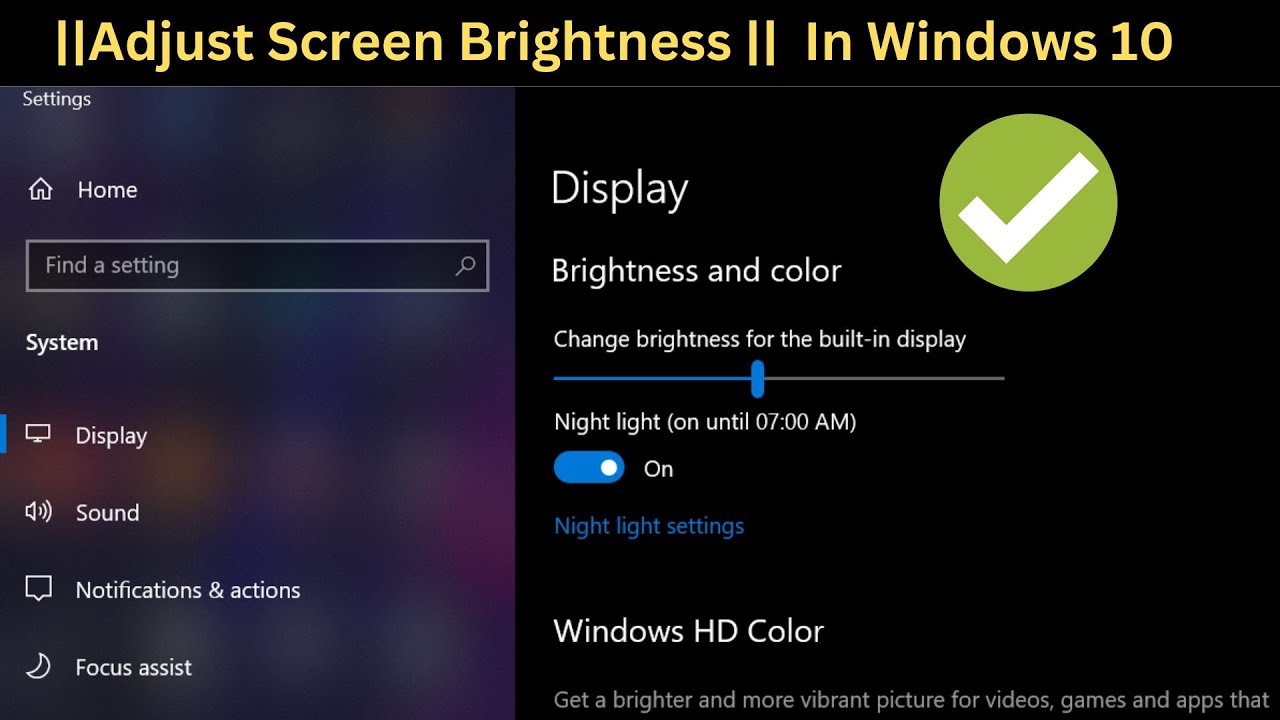
You can let your phone adjust the brightness automatically or set it to a low level that's comfortable for you to see.
2. Turn Off Unused Connections
When you don’t need them, turn off Wi-Fi, Bluetooth, GPS, and mobile data.
<br>In areas with poor signal, use Airplane Mode to stop your phone from trying to connect and save battery.
3. Enable Battery Saver Mode
Many phones have a Battery Saver or Ultra Power Saving Mode that helps your battery last longer.
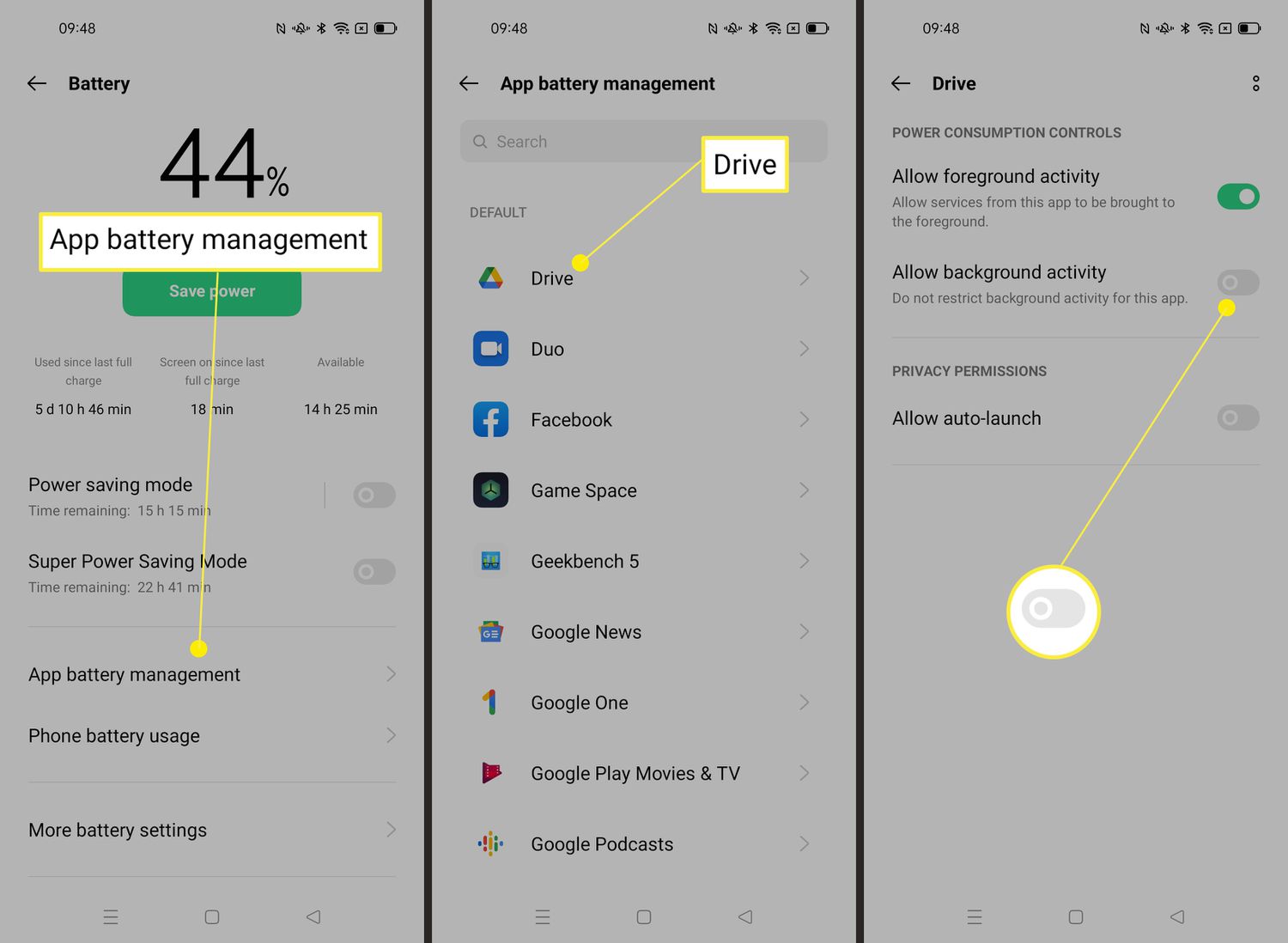
4. Close Background Apps

Check your phone’s settings under Battery > Battery Usage to see which apps are using a lot of power.
<br>Turn off background activity for apps you don’t use often.
5. Turn Off Vibration and Keyboard Sounds
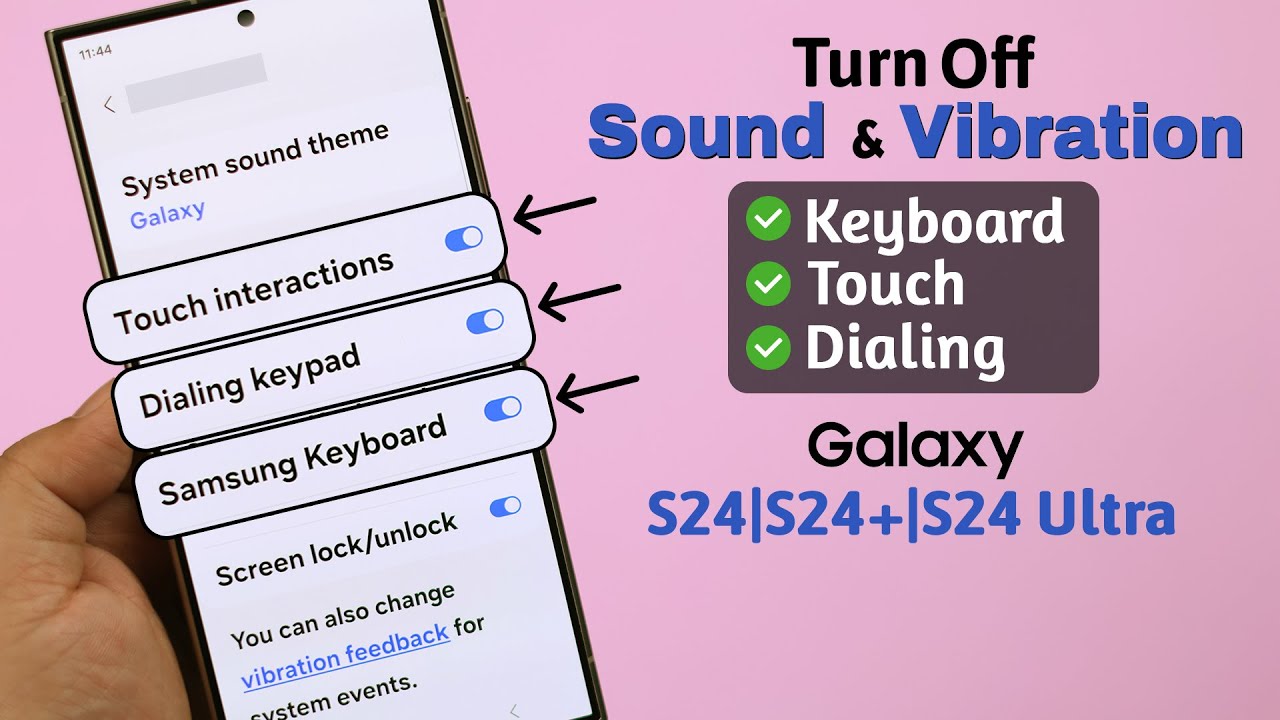
Vibration and sounds use more battery, especially if you get a lot of notifications or type a lot.
6. Use Dark Mode
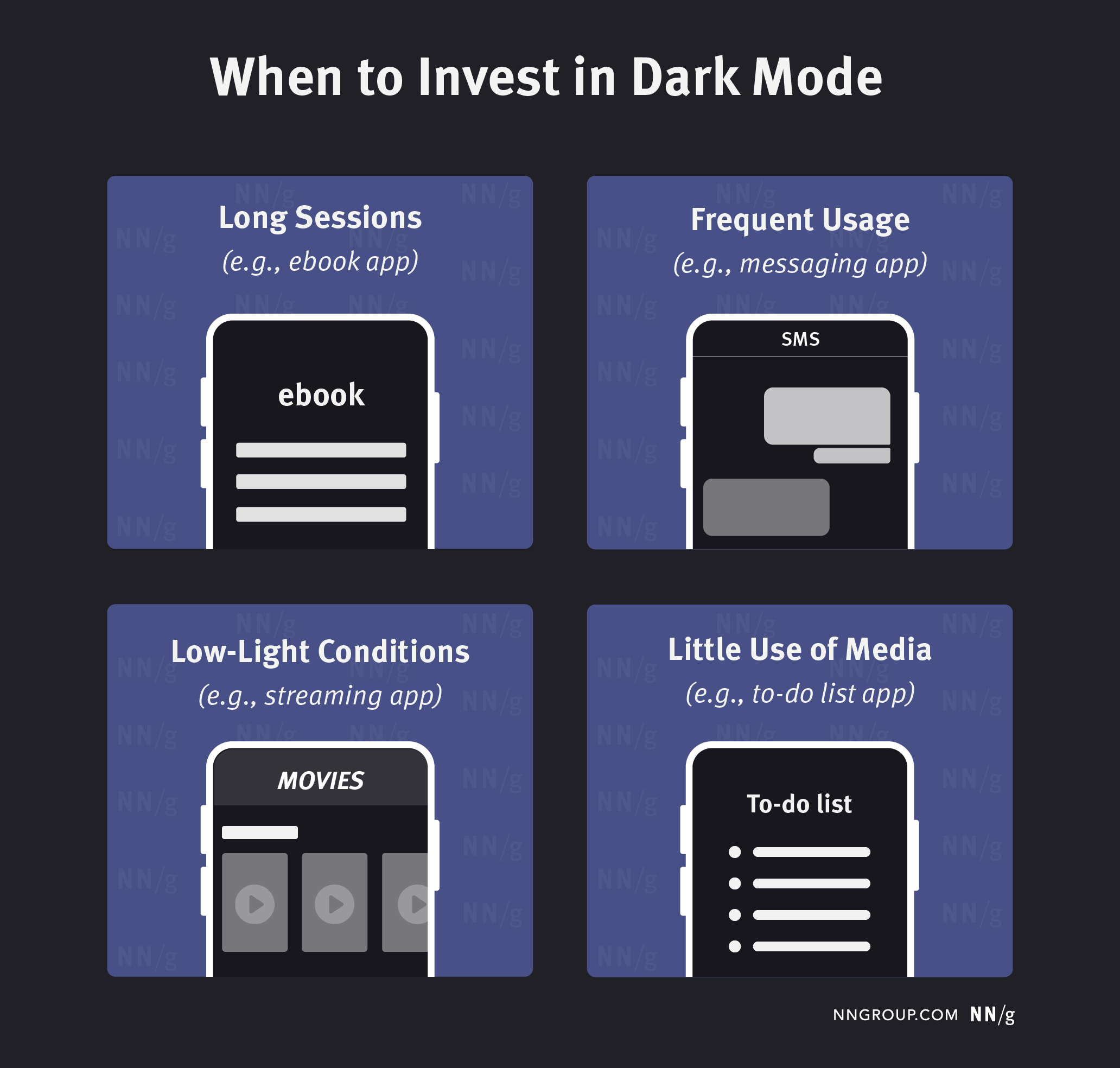
If your phone has an OLED screen, using Dark Mode can help save battery life.
7. Limit Notifications
Only let important apps send you notifications so your screen doesn’t keep turning on and off.
8. Charge Smart
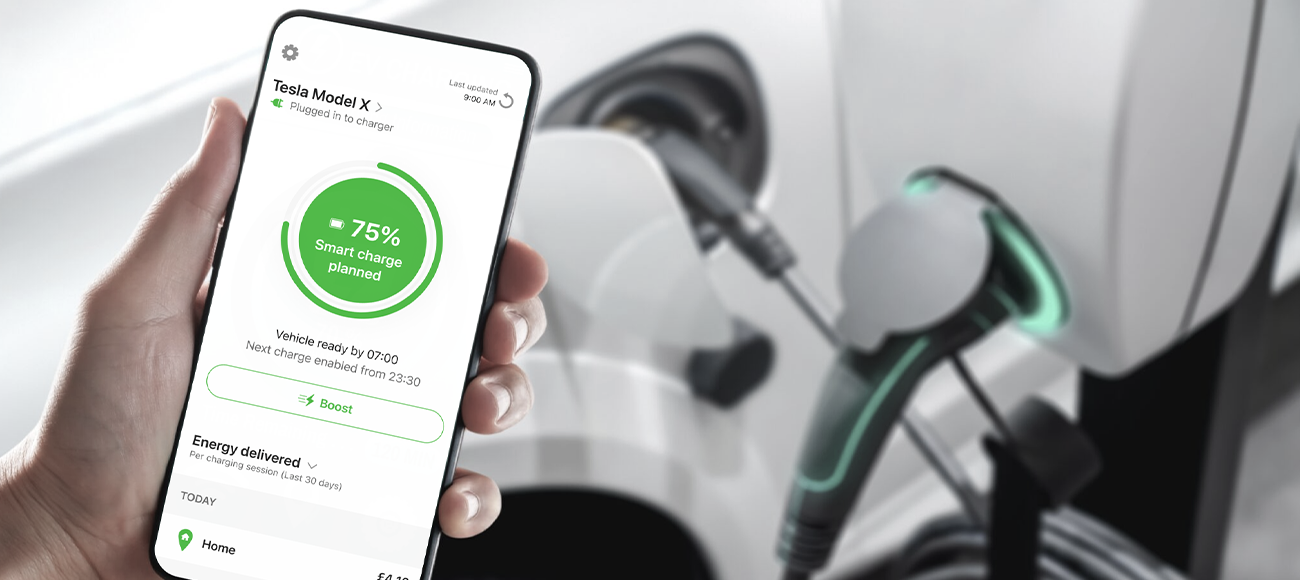
Try not to let your battery go below 20%, and avoid charging it all the way to 100% too often.
<br>Don’t use your phone a lot while it’s charging.
9.Keep Your Software Updated

Updates often include changes that help your battery work better and fix problems.
10.Avoid Extreme Temperatures

Extreme heat or cold can harm your battery and make it last shorter.